Growth Your Business

ga4 attribution models

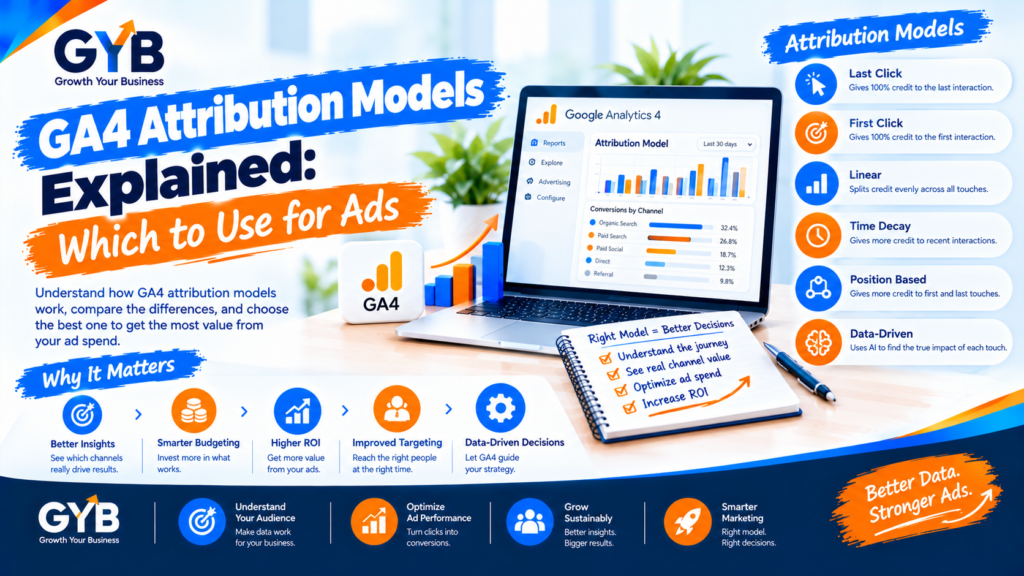
GA4 Attribution Models Explained: Which to Use for Ads

GA4 Attribution Models Explained: Which to Use for Ads   GA4 attribution models decide which marketing touchpoint gets credit for a conversion. GA4 now defaults to data-driven attribution, which splits credit across the touchpoints on a customer’s path, and it also offers last-click options. Use data-driven as your main view, compare it with last click,

GA4 Attribution Models Explained: Which to Use for Ads Read More »
ga4 utm tracking

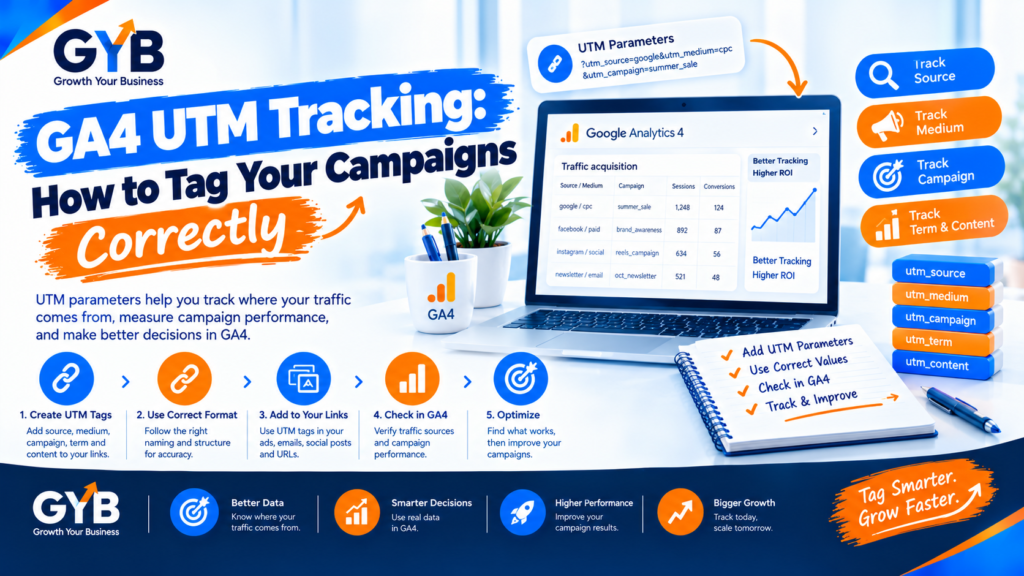
GA4 UTM Tracking: How to Tag Your Campaigns Correctly

GA4 UTM Tracking: How to Tag Your Campaigns Correctly GA4 UTM tracking works by adding tags to your campaign links, so Google Analytics 4 knows where each visit came from. Use three core tags: utm_source, utm_medium and utm_campaign. Keep them lowercase, match your medium to GA4’s channel rules and never tag internal links. Do that

GA4 UTM Tracking: How to Tag Your Campaigns Correctly Read More »

server-side tracking vs client-side tracking

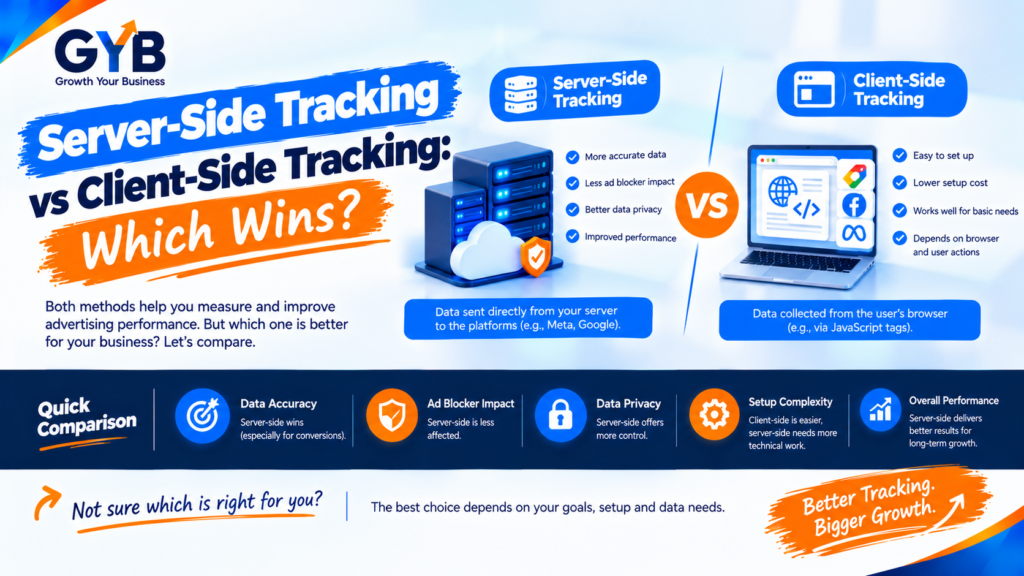
Server-Side Tracking vs Client-Side Tracking: Which Wins?

Server-Side Tracking vs Client-Side Tracking: Which Wins? Server-side tracking vs client-side tracking comes down to where your tags run. Client-side tags run in the visitor’s browser, while server-side tags run on a server you control. Server-side can recover some lost data and gives you more control, but it costs more, needs expert setup and doesn’t

Server-Side Tracking vs Client-Side Tracking: Which Wins? Read More »